Blender has become a valuable part of the design process at MODYN
It allows us to quickly explore, visualize and communicate ideas to a client very clearly, particularly in the early stages of design and when working with CMF, soft goods, organic forms and movement.
Making and learning through making are central to how MODYN approaches design. Building something, whether physically or digitally, often reveals possibilities that are difficult to predict beforehand. Blender supports this exploratory way of working particularly well. A form may be extruded further than expected, a modifier may create an interesting pattern, or an experiment in the shader editor may suggest a new material direction. Not every result is useful, but the freedom to experiment helps develop ideas.
But it also helps identify fit and application issues earlier, allowing the design to be adjusted at an early stage to achieve a better final result. It makes it easy to compare alternatives, understand the effect of design decisions and, when useful, explore options together with a client during a discussion.

This is also where Blender fits into one of the most important stages of the MODYN-design process: getting to a proof of concept. Before investing time and resources into detailed CAD, engineering and physical prototypes, we want to understand whether a direction is worth pursuing.Blender’s open-source character adds another layer of flexibility.
A large community continuously develops new tools and add-ons for modelling, materials, animation and simulation. There are solutions for countless specific tasks, while custom scripts and tools can also be created when a project requires something more specific.
Nothing replaces physical prototyping. Working with real materials and testing real life proportions provides insights that no screen can fully reproduce. However, physical models take time, budget and resources. Blender helps us learn, make decisions and communicate the direction before investing in detailed CAD, engineering or prototypes.
- 1. Quick form exploration
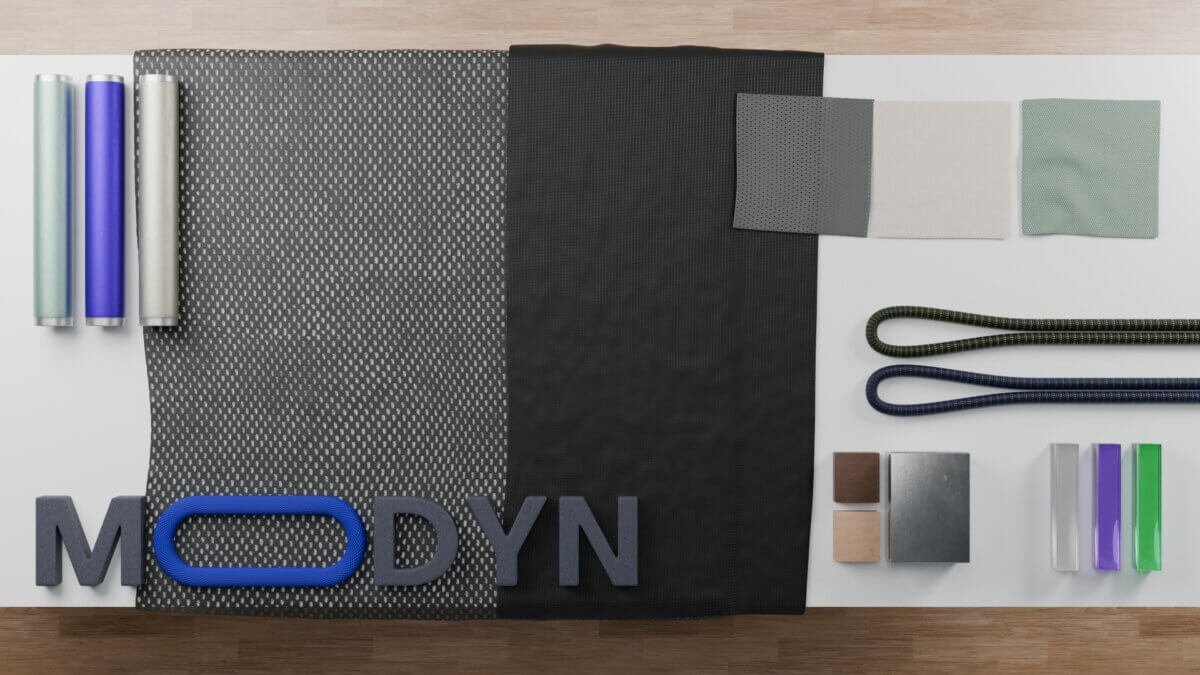
Blender provides a flexible way to create volumes and test proportions. Forms can be pushed, stretched and adjusted without first building a fully structured technical model. Several options can be visualized and compared before one direction is developed further.
Because the model updates and renders in real time, the effect of a design decision is immediately visible. Proportions can be changed, viewpoints adjusted and alternatives discussed while working together with the client. In the MODYN workshop and 3D protolab, we can test whether an idea has enough potential to take further before committing to slower and more detailed development.
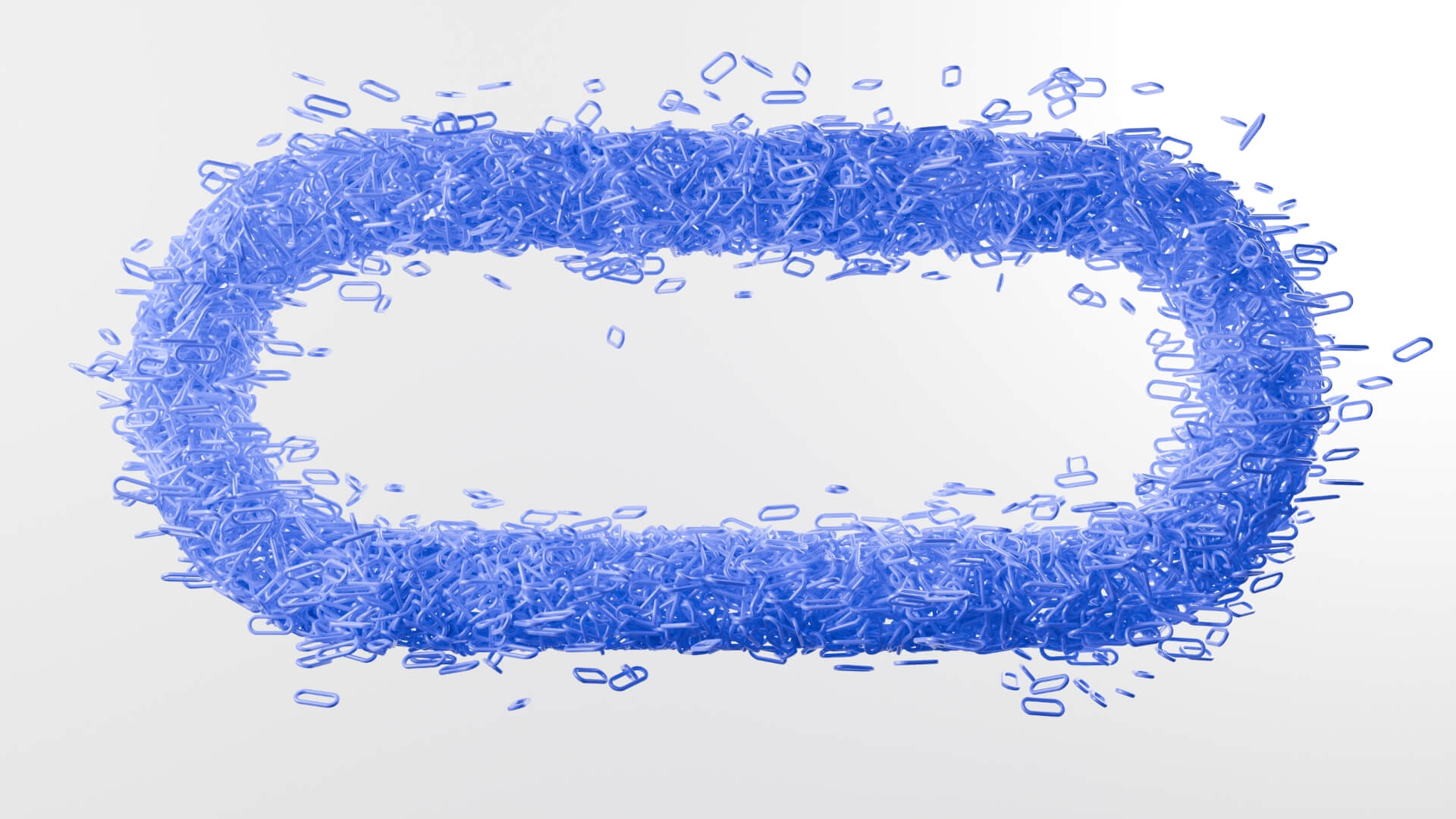
CMF is much more than applying a colour to a finished product. Materials, textures, gloss levels, graphics and subtle differences in finish all influence how a product is perceived.
Over the years, MODYN has built up extensive CMF experience using a range of different tools and methods. Blender is one of those tools and can be used early in the design process. Colours, materials and textures can be combined and adjusted to a high level of detail, making it easy to compare how different CMF directions work across different shapes and surfaces.
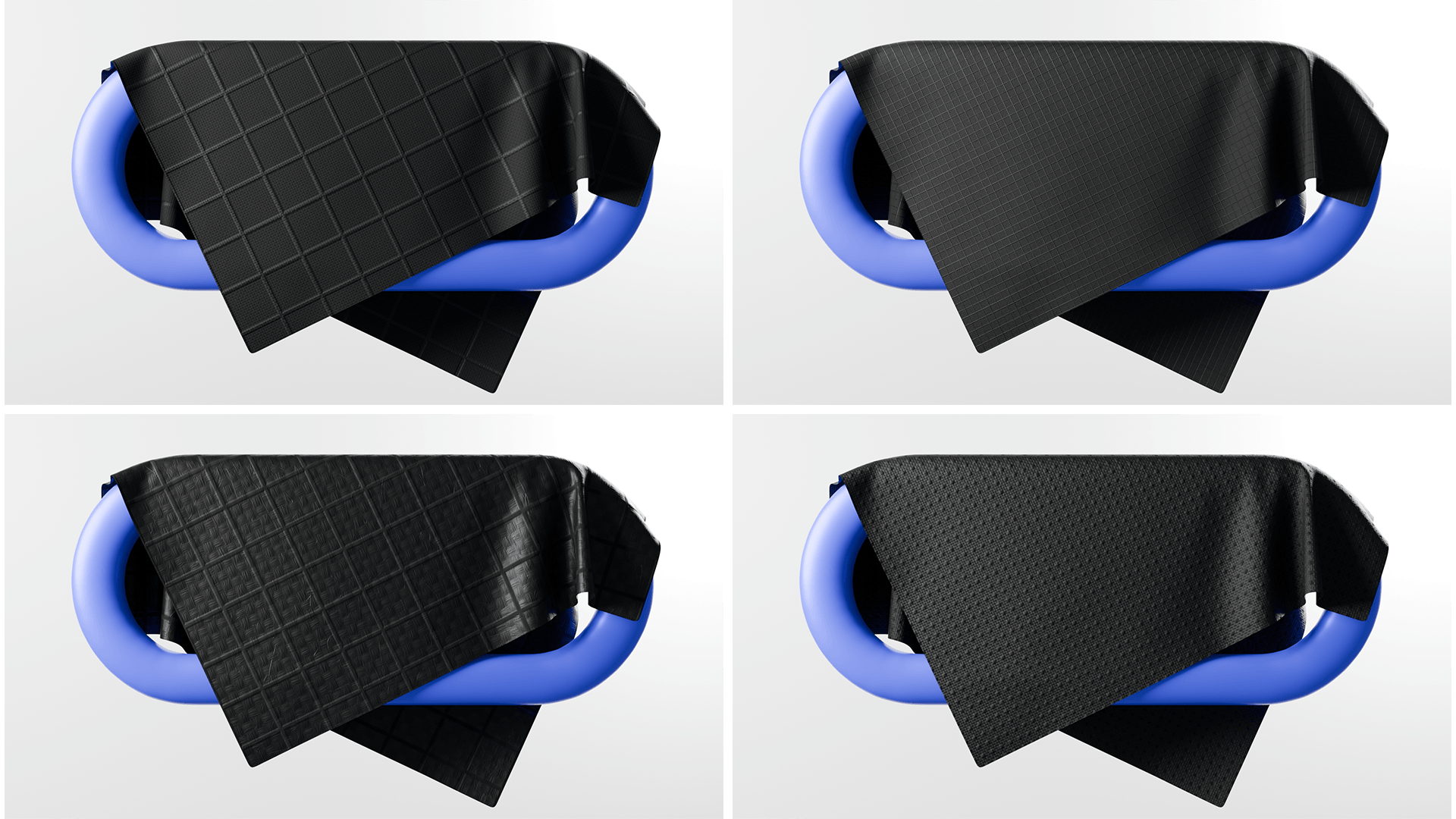
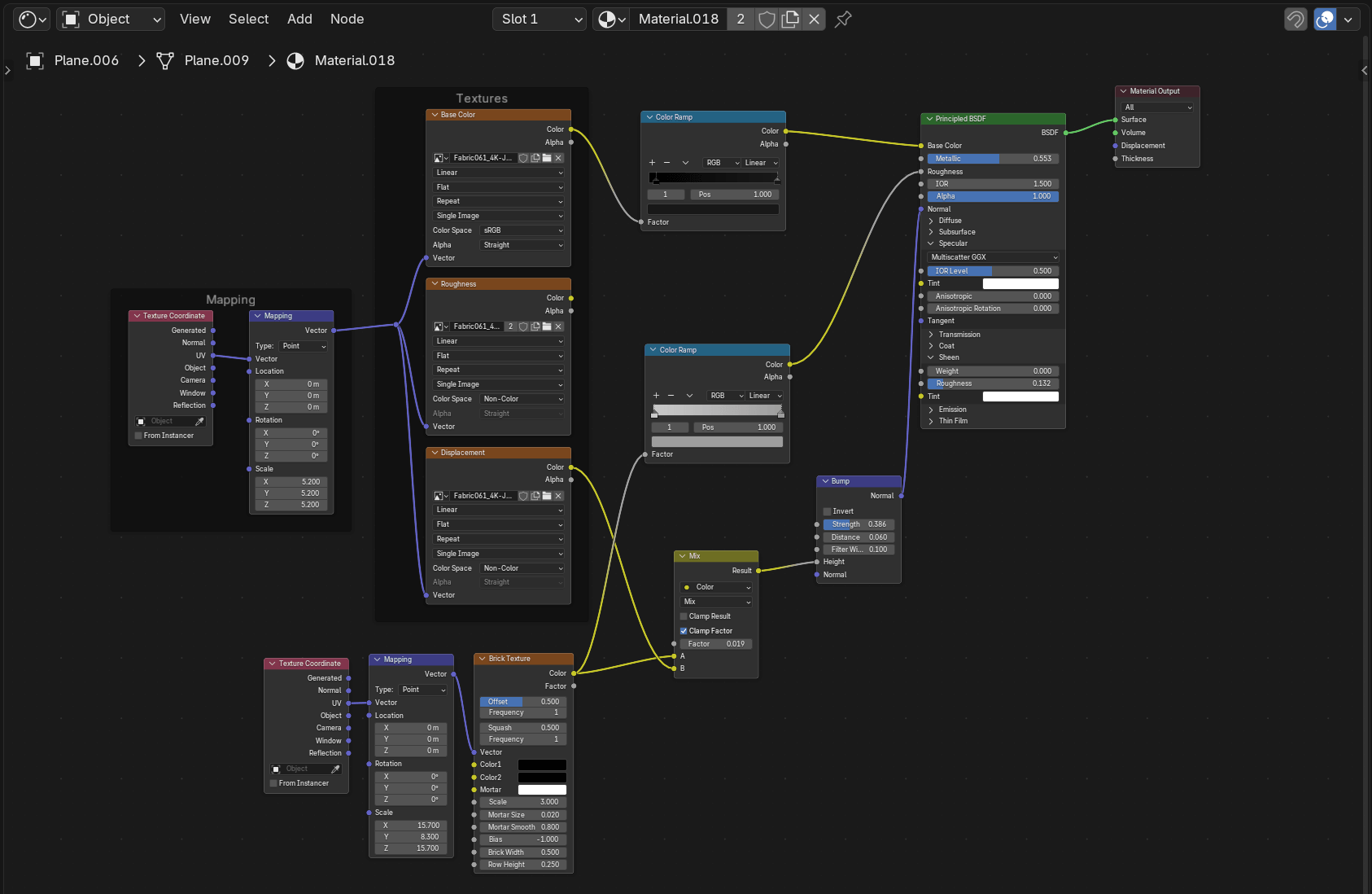
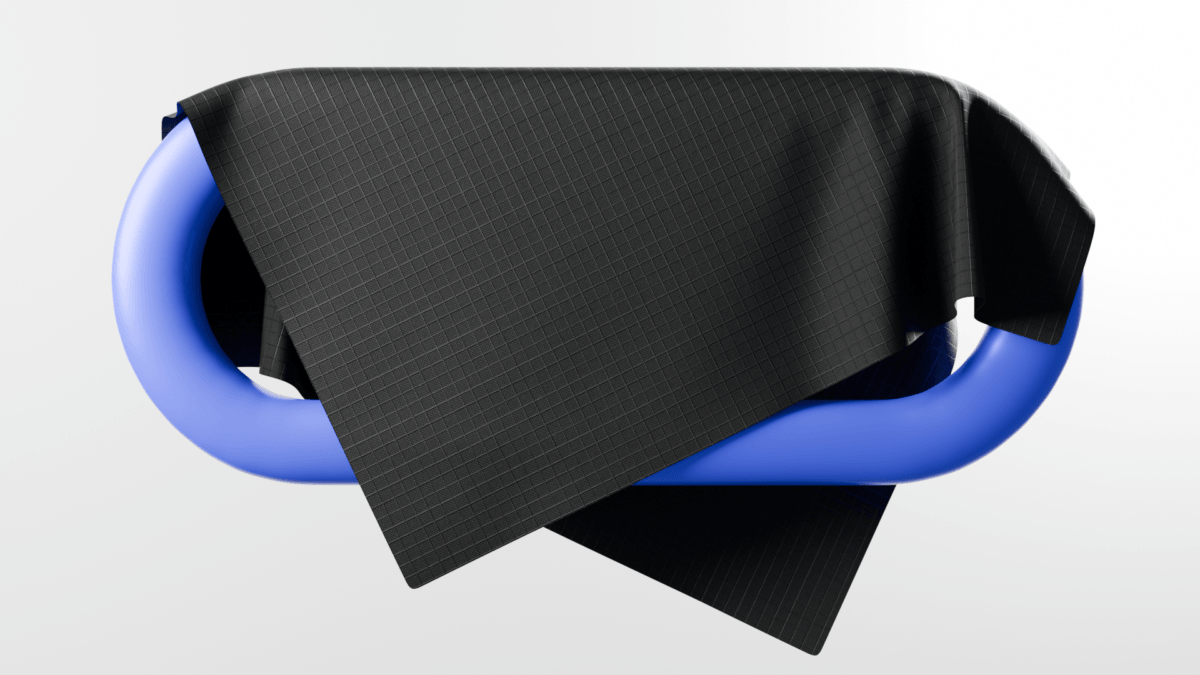
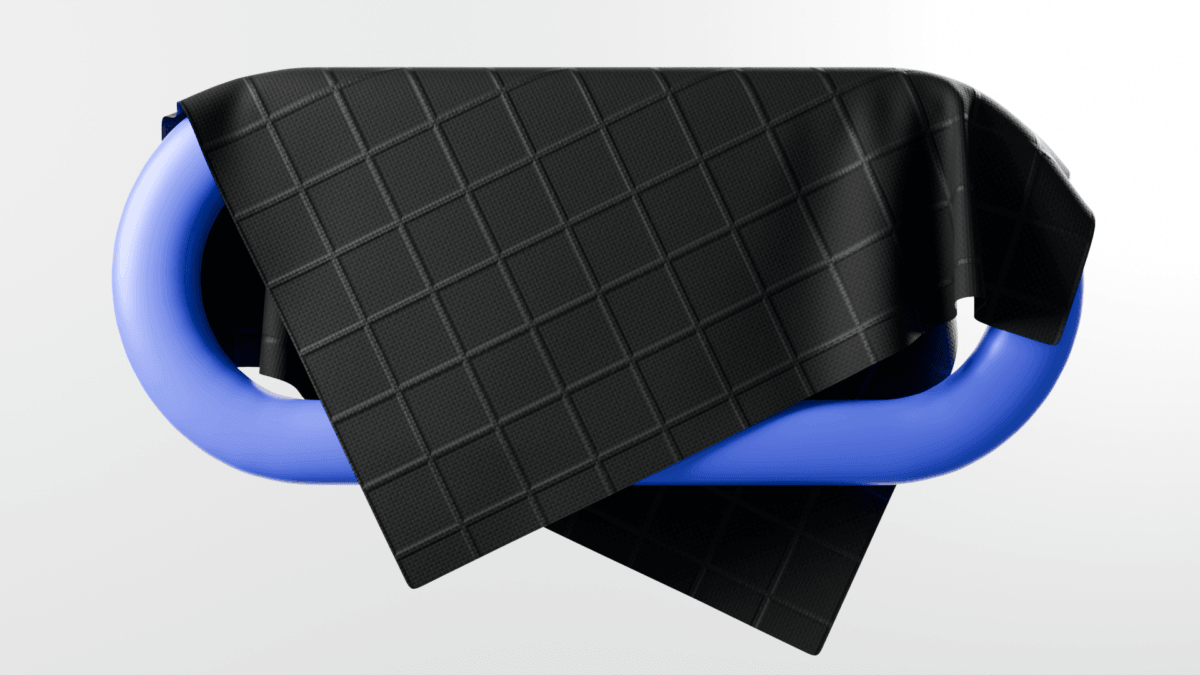
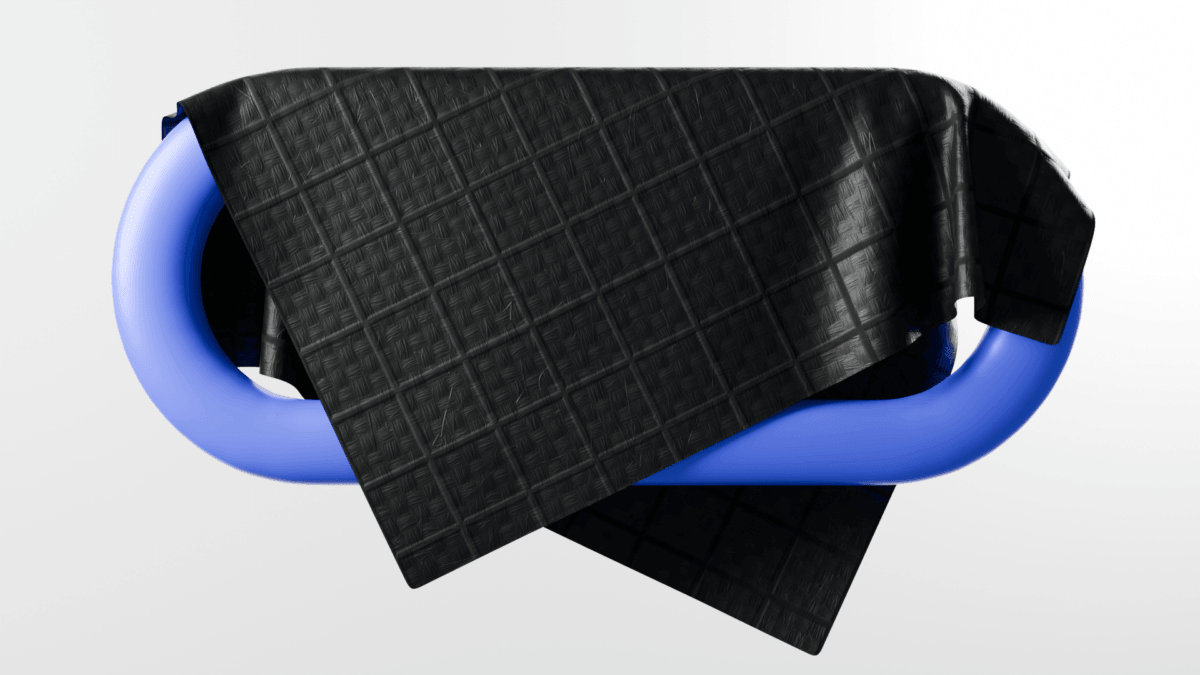
Blender’s shader editor provides a great deal of freedom. Standard textures can be combined with gradients, procedural patterns, colour mixers and mathematical inputs. Qualities such as transparency, coating, weave and roughness can be explored quickly, while subtle surface imperfections can help prevent materials from looking too clean or artificial. The real-time viewport makes this especially useful. Materials can be adjusted while immediately seeing how they respond to light, form and surrounding colours. This allows us to interact between the client and our design team to compare CMF directions quickly and discuss alternatives more naturally.
Visual details also do not always need to be modelled individually. Water droplets, for example, can be created using a procedural texture, while complex patterns and repeating graphics can be applied without unnecessarily increasing the complexity of the model. Blender cannot determine whether a material is technically feasible or how it will feel in the hand. That still requires material knowledge, physical samples and testing. It is, however, a powerful tool for exploring, refining and communicating an intended CMF direction.
- 3. Soft goods visualization
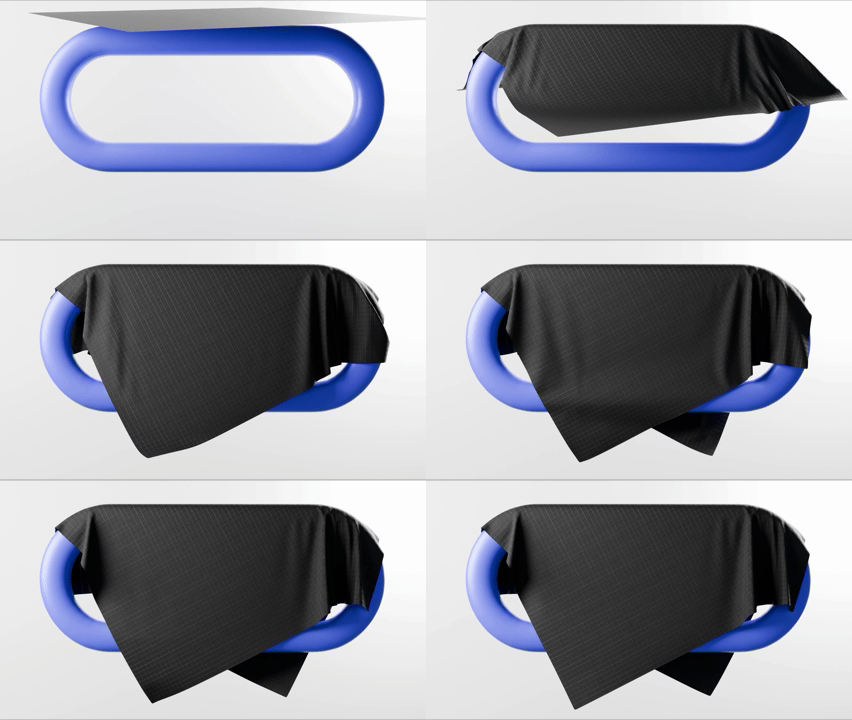
Soft goods are often difficult to communicate in traditional solid CAD. Fabric folds, stretches, compresses and responds to the shape underneath it. Padding changes the volume, while seams and tension lines strongly affect how refined the final product feels.
MODYN has extensive experience designing soft goods for products such as strollers, child seats and other mobility applications. Blender can support this work by allowing us to visualize cushions, straps, textile panels, canopies and padded components in a more natural way. Wrinkles, pouches, seam lines and fabric tension can be modelled manually for greater control. Blender’s cloth simulation can also help explore how a material might drape, bend or respond to movement.
This combination of soft goods knowledge and digital visualization is important. A realistic-looking fabric model is only useful when it is based on an understanding of how textiles are cut, layered, stitched and supported in the physical product. Blender will not replace a sewn sample, but it can help clarify the intended construction and appearance before one is made. This makes early discussions with clients and manufacturers more focused and productive.
- 4. Explanation images
Not every visual needs to look like a final marketing render. Sometimes a clear explanation image is far more valuable.
When working with manufacturers, especially across language barriers, it helps to clearly show how parts are layered or constructed. Blender’s quick, sketch-like 3D modelling makes it easy to create fast visual explanations from multiple angles, which is especially useful when complex layering needs to be understood more clearly than a flat sketch can provide. These visuals support technical drawings and help reduce misunderstandings between all parties.


- 5. Animation and movement
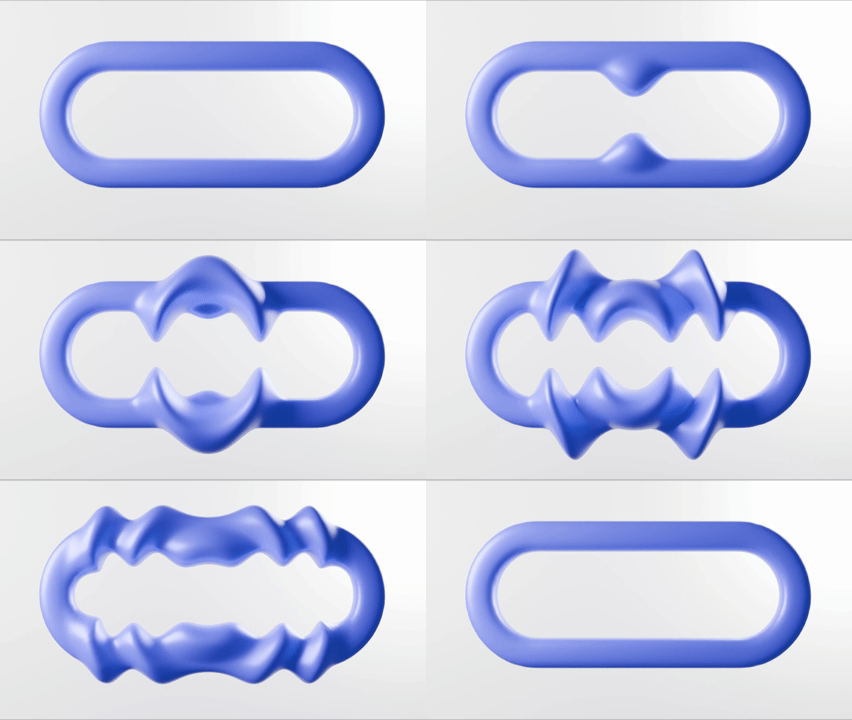
Some ideas only become clear when they move. A short animation can show how a product opens, folds, adjusts or interacts with a user. It can communicate a sequence more directly than several paragraphs of text. Even a relatively simple animation can help clients understand the logic and experience of a concept before a working prototype exists.
This is a nice example of how blender can animate bending behavior and webbing.
- 6. Creative modelling and rendering

Blender is also well suited to create organic forms, playful graphics and visual effects. It gives us the freedom to create more expressive images when a straightforward product render is not enough. This is useful for concept presentations, communication visuals and marketing-style renders that need a little more character.
- 7. Open-source flexibility
Another important strength is that Blender is open source. It is supported by a large and active community that continuously develops new tools, workflows and add-ons. These can make existing workflows faster or add functions for very specific design challenges.
Blender is not the right tool for every stage of product development. For highly geometric parts, engineering work and models that depend on exact dimensions and tolerances, solid-based CAD software is usually more suitable for our design team. Blender models can quickly become slightly clay-like and dimensional changes may be more difficult later in the process. There are tools and add-ons that make Blender more precise, but this is not where it offers the greatest value for MODYN.
Different stages of the design process require different levels of control, and choosing the right tool helps us work efficiently without forcing one software package to do everything. But it also helps identify fit and application issues earlier, allowing the design to be adjusted at an early stage for a better final result. This ultimately improves efficiency within the project scope and helps our clients avoid unnecessary iterations later in the development process.
What Blender gives us is speed and freedom earlier in the process, when the question is still “does this direction work?” rather than “how do we manufacture it?”. Once a direction has been explored and proven, surfacing design, detail sketching, and the appropriate CAD, engineering, and prototyping tools can take over. This is where Blender fits into the MODYN design process. It allows us to explore ideas, test different directions and identify potential issues before moving into more detailed development. This helps us make informed design decisions at a stage where there is still room to adapt and improve the concept.
If you are exploring a new product, feature or design direction, this early stage can be just as important as the development that follows. At MODYN, we work across the full design and engineering process and can help determine what approach makes most sense for the challenge at hand. If you have an idea you would like to explore, we would be happy to discuss it.